Installing the 7360 Tri-Light/Lane Light Assembly (Optional)
To install the Tri-Light/Lane Light assembly, follow these steps:
Note: Complete this procedure if replacing the R5 Tri-Light/Lane Light assembly with the R6 Tri-Light/Lane Light assembly.
1.Do the following:
•Install the 7360 Tri-Light/Lane Light pole. For more information, refer to Installing the 7360 Tri-Light/Lane Light Pole (Optional).
•Install other R6 Lite components. For more information, refer to Installing R6 Lite Components.
2.Connect the the Tri-Light/Lane Light assembly cable with the cable extender in the pole.
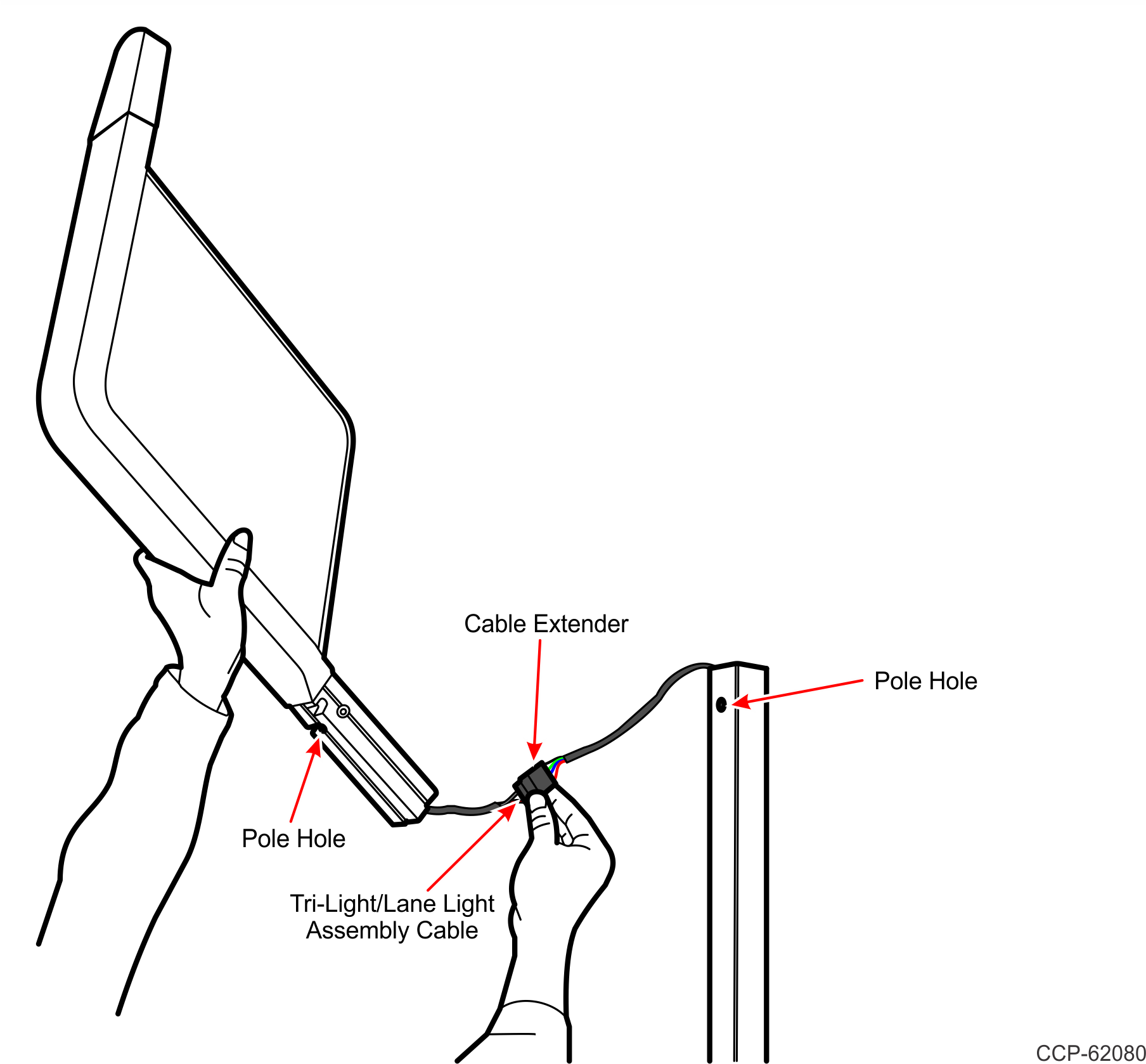
3.Orient the Trilight/Lane Light assembly so that the Lane Light faces the front of the unit.
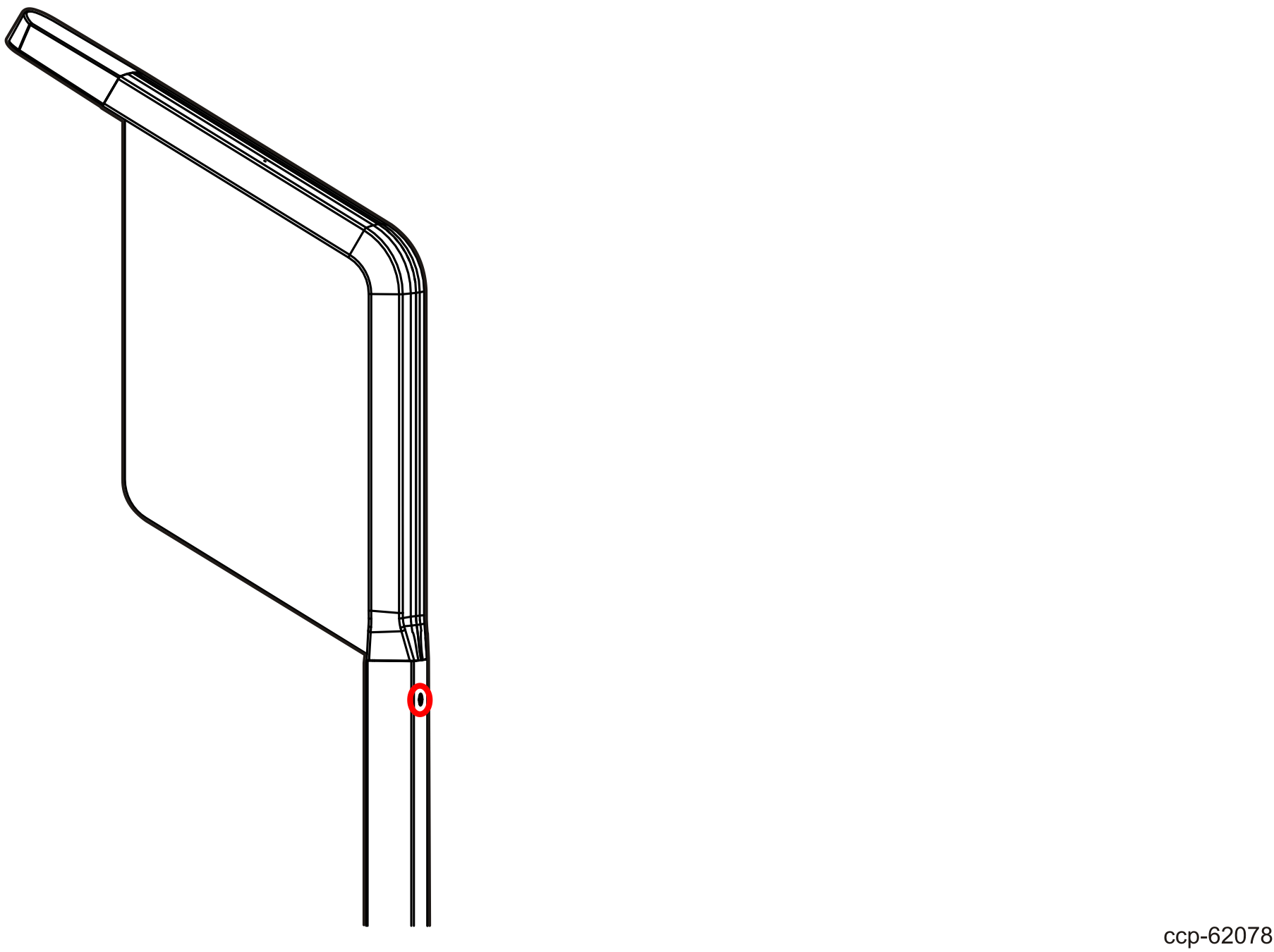
4.Insert the Tri-Light/Lane Light assembly into the Tri-Light/Lane Light pole. Ensure that the pole holes are aligned.

5.Secure the Tri-Light/Lane Light assembly to the pole with a screw.
6.Connect and route the Tri-Light/Lane Light cable extender to the I/O Box. For more information, refer to following procedures:
