Installing Memory Module
To install the new 16 GB Memory Module, follow these steps:
1.Remove the existing Memory Module, if necessary. For more information, refer to Removing Memory Module.
2.Align the Memory Module into the socket and push it straight down by applying pressure on the ends with both hands. (Note that the DIMM connector is keyed).
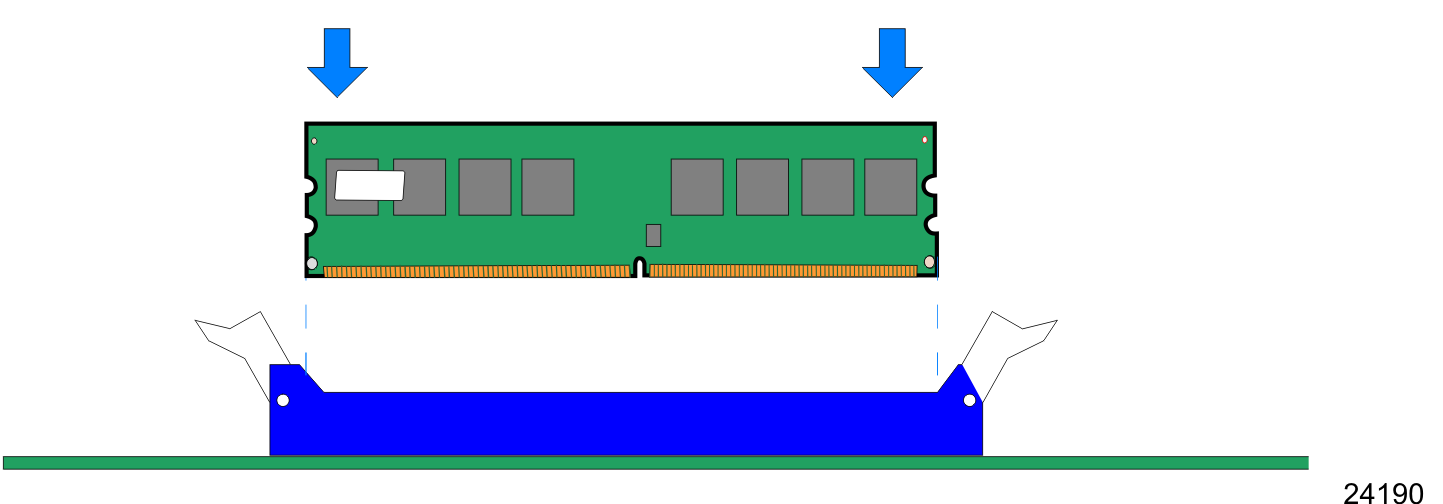
3.Ensure that the edges of the Memory Module engage the latches and that the latches are completely closed, as shown in the image below.