Removing the Back Cover
To remove the Back Cover, follow these steps:
- Lay the Display face down on a flat surface.Note
Always use a soft material (cloth, foam) to protect the display screen when placing the terminal face down.
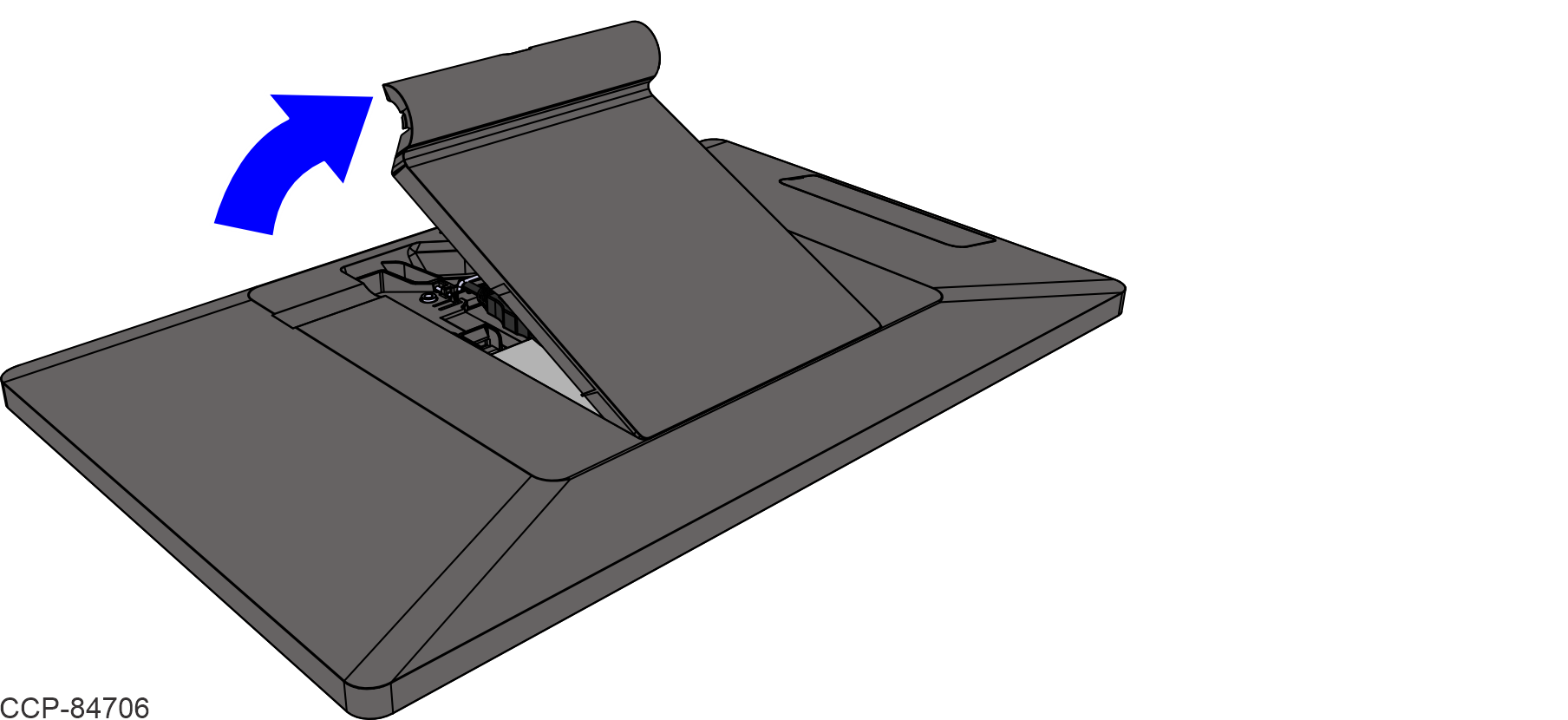
- Access the Display Back Cover.
AX5 with Stand: Press the two latches located on the bottom of the Stand to remove the Stand Back Cover.

AX5 with Wall Mount: Rotate the Wall Mount Bracket as shown.
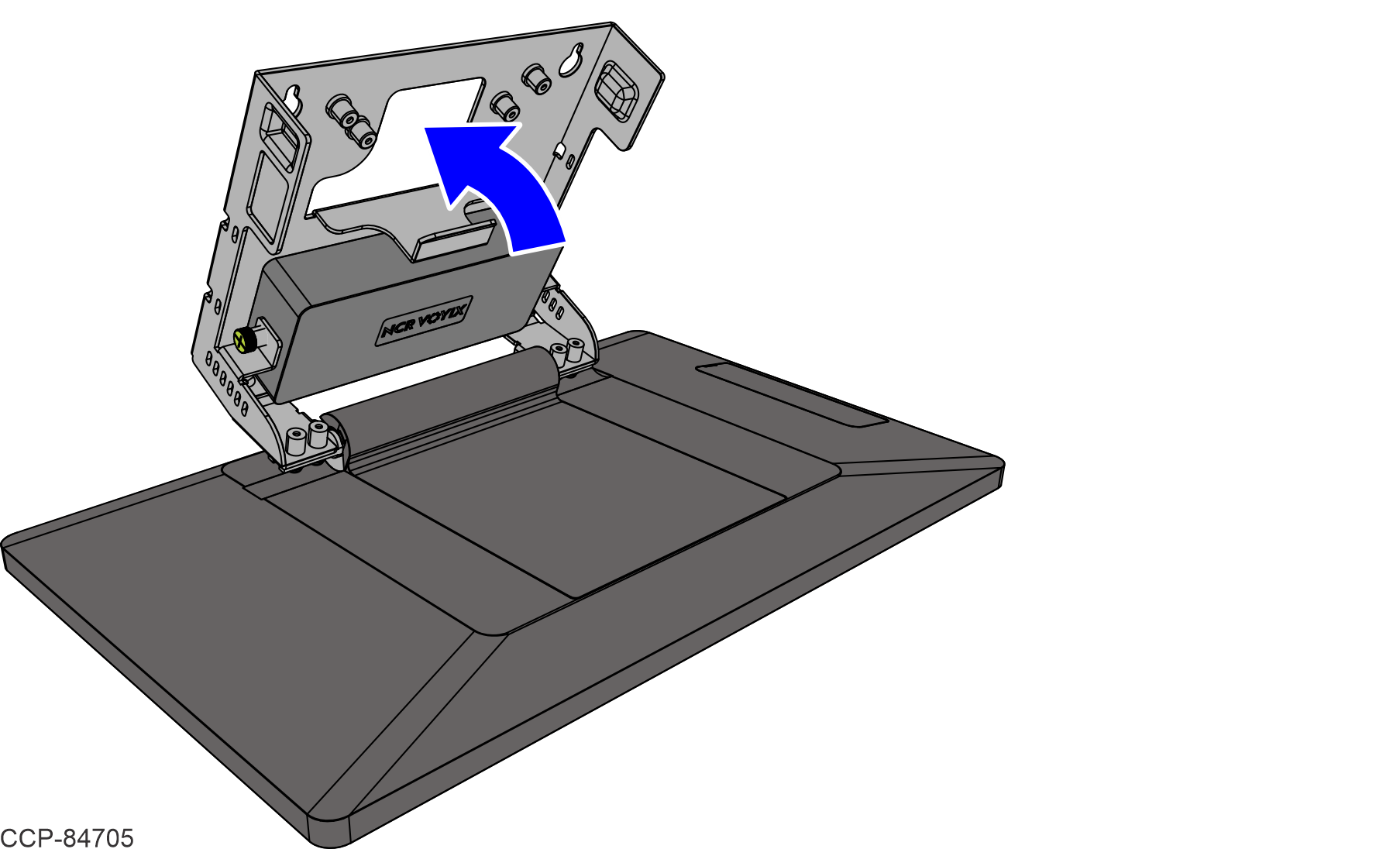
- Lift and remove the Display Back Cover.Note
For clarity, the Stand or Wall Mount is not shown in the illustration.