Purchasing an Item with a Free Gift Promotion
Customers who purchase select items or reach a certain total transaction amount for select items are awarded a free gift. If the system is integrated with AMS, the POS displays a message to inform associates about free gift promotions. Free gift promotions are configured in AMS Logix. For more information on how to configure free gift item promotion messages, refer to the NCR Advanced Marketing Solution (AMS) Logix User Guide for the Universal Engine (UE) (BCC5-0000-5016).
When the free gift comes from a regular inventory, the item needs to be added separately to the sales transaction with an additional offer created in Logix. After the item code of the free gift item is added, the item price is automatically discounted to zero. The free gift items do not affect the return price of the main item.
Adding a gift with purchase item
To add a free gift item to a sales transaction, follow these steps:
- On the Transaction Types screen, select Sale.
- Do one of the following:
- Scan the item bar code.
- Enter the item bar code using the keypad.
The application displays a free gift promotion message.
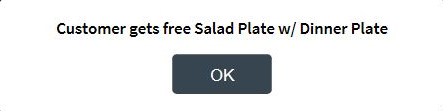
- Select OK. The application displays the Sale Main Menu screen.
- Complete the transaction.