Accepting house cards as payment
When enabled, the POS application can accept house cards as payment for transactions. Alternatively, associates can use house cards as payments after a house card lookup. For more information, refer to Accepting house cards as payment after lookup.
Note
By default, the POS button name of the house account tender on the Tender Menu screen is Store Card. In the following steps, the POS application is configured to display House Card as the POS button name of the tender.
To accept house cards as payment for transactions, follow these steps:
- On the Tender Menu screen, select House Card. The POS application displays the Card Amount screen.
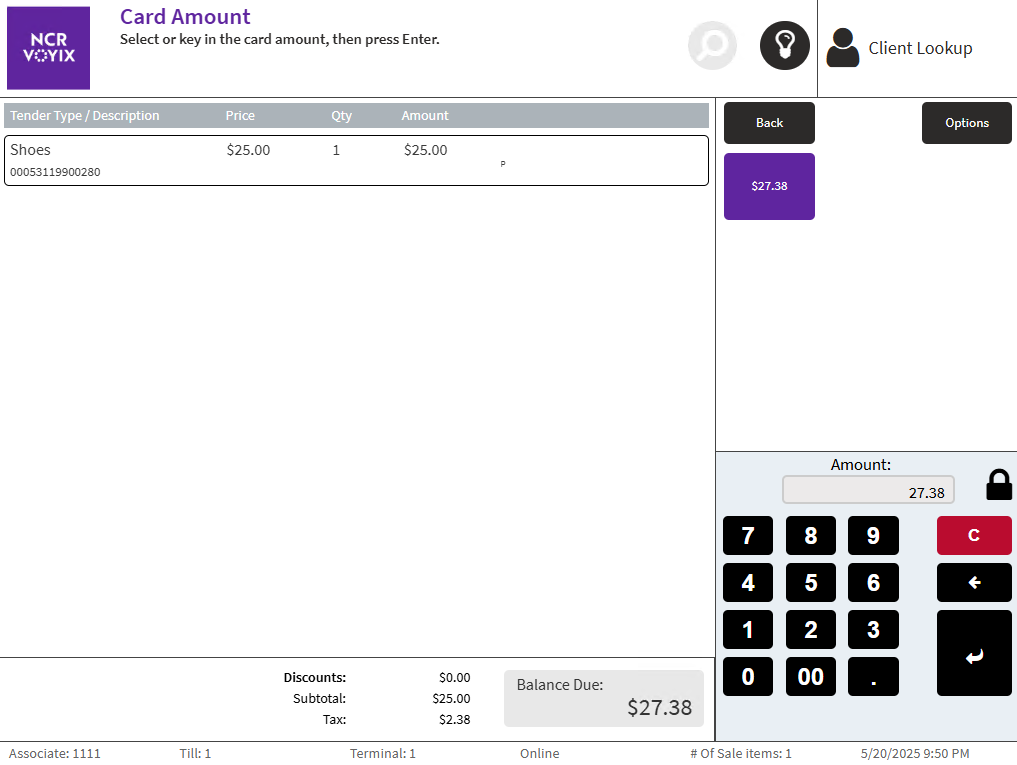
- Select the exact amount due displayed on the option button, or enter an amount on the keypad and select Enter.
- Do one of the following:
- Swipe or scan the house card.
- Enter the house card account number on the PIN pad keypad and select Enter.
The POS application displays the Customer Signature screen.
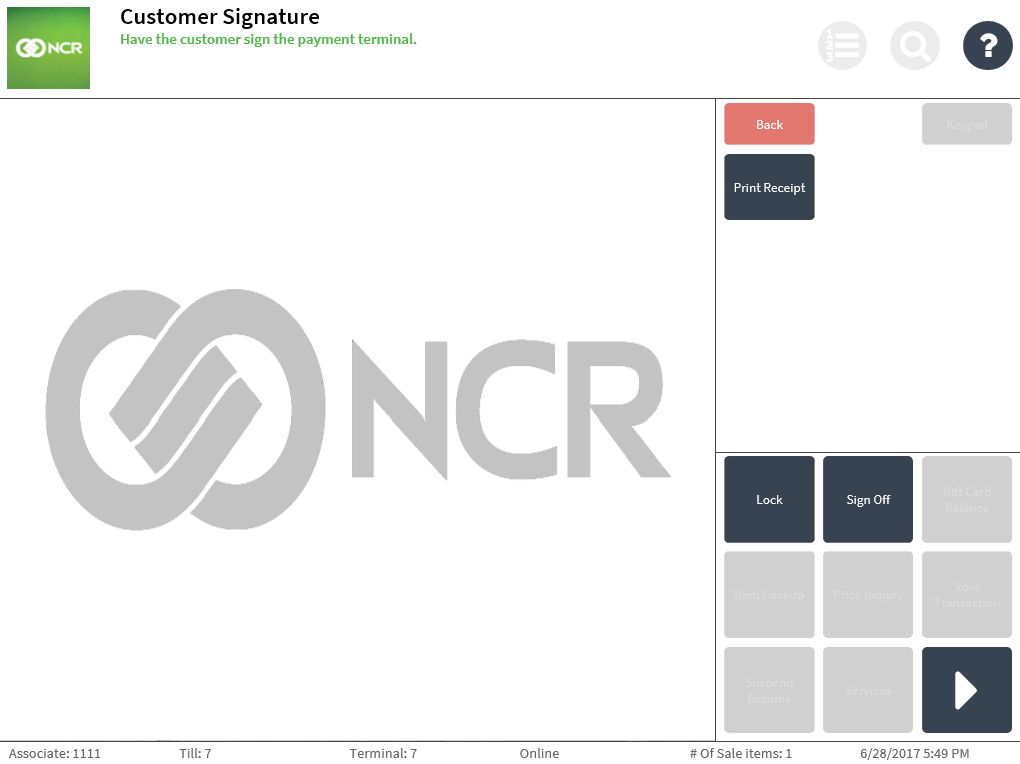
- Select Print Receipt. The POS application displays as
- Select OK. The POS application displays the Receipt Preference screen.
- Select a receipt type. The POS application prints the receipts.
- Have the customer sign the receipt.
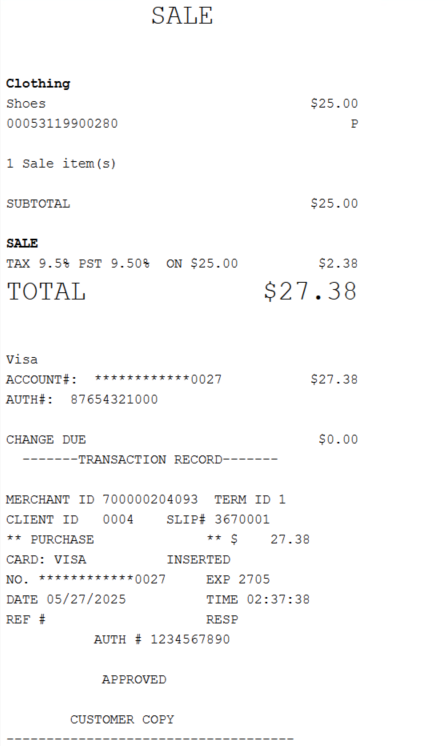
Sample receipt
Audit copy of the receipt
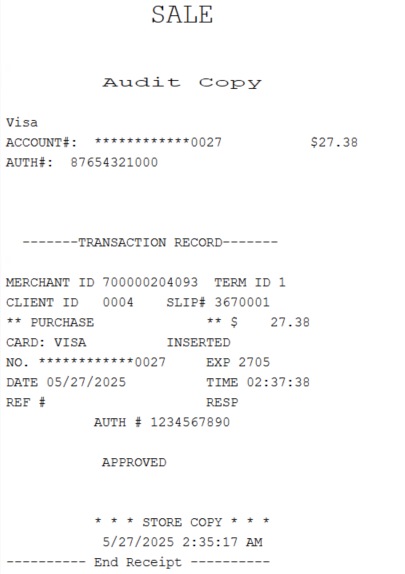
Customer copy of the receipt