Accepting manual EFT payments
The POS application can accept Manual Electronic Funds Transfer (EFT) payments for sales transactions.
To use this feature, Tender ID 7, must be set to Active using the Tender Definitions option group.
To accept a manual EFT tender, follow these steps:
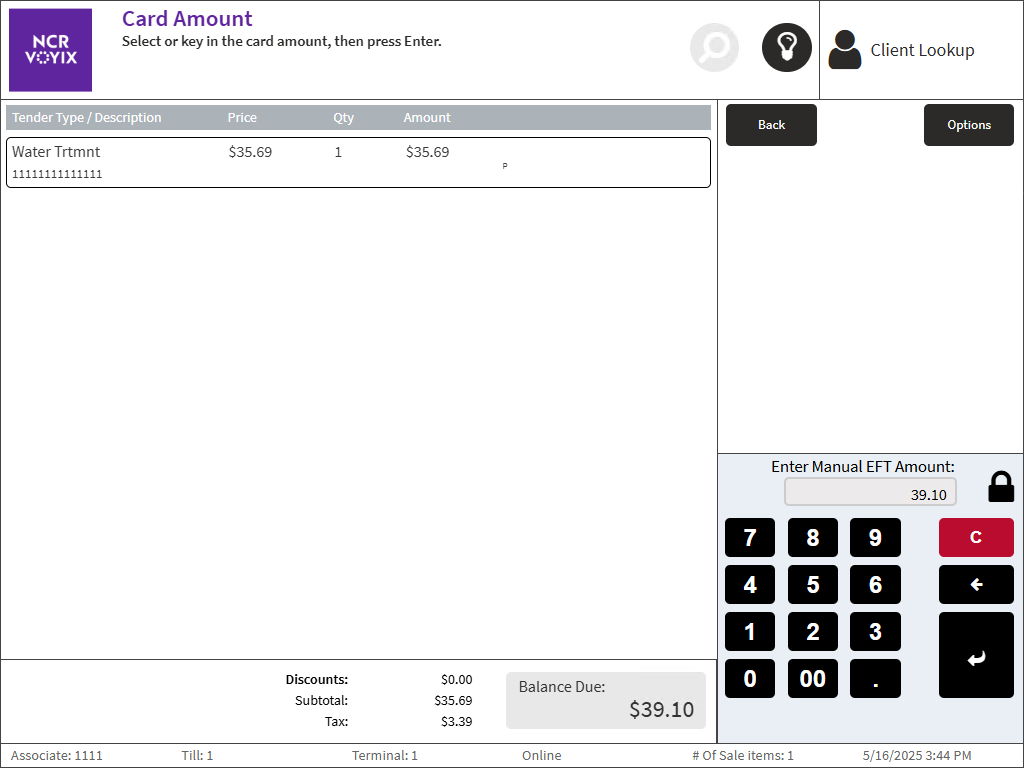
- On the Tender Menu screen, select Manual EFT. The POS application displays the Card Amount screen.
 Note
NoteThe POS application displays only the amount information. All other information required to process the transaction is displayed on the manual EFT device.
- Enter the EFT amount on the keypad and select Enter, or select the exact amount displayed on the screen.
The POS application displays the Receipt Preference screen.
- Select a receipt typ. The POS application displays the Change Due screen and prints the receipt and an audit chit.Note
Have the customer sign the receipt.
- Close the cash drawer.
Sample receipts
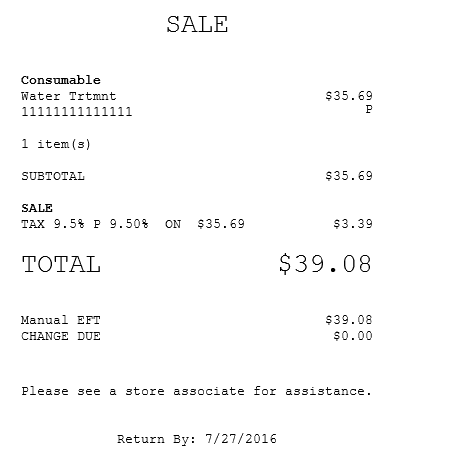
The following Sales receipt displays Manual EFT as the form of tender.
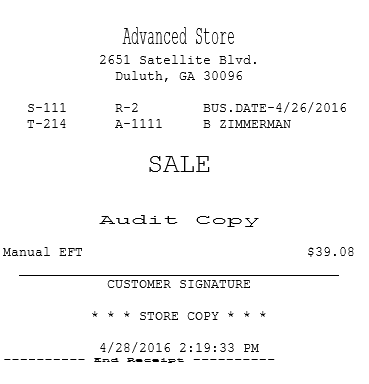
The following image displays an Audit chit for a transaction using a manual EFT tender.