Accepting coupons
Coupons have no cash value and are not exchangeable for cash. To accept a coupon as tender, follow these steps:
- On the Tender Menu screen, select Coupon. The POS application displays the Coupon Code screen.
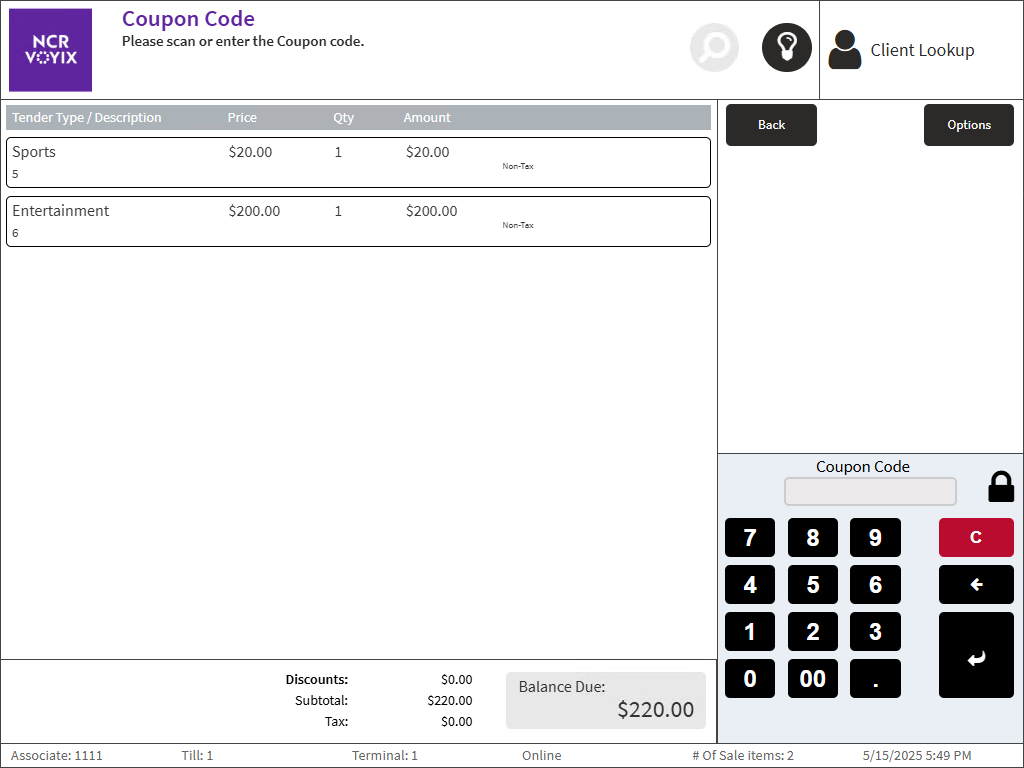
- Enter the Coupon Code and then select Enter. The POS application displays the coupon amount on the Tender Menu screen.
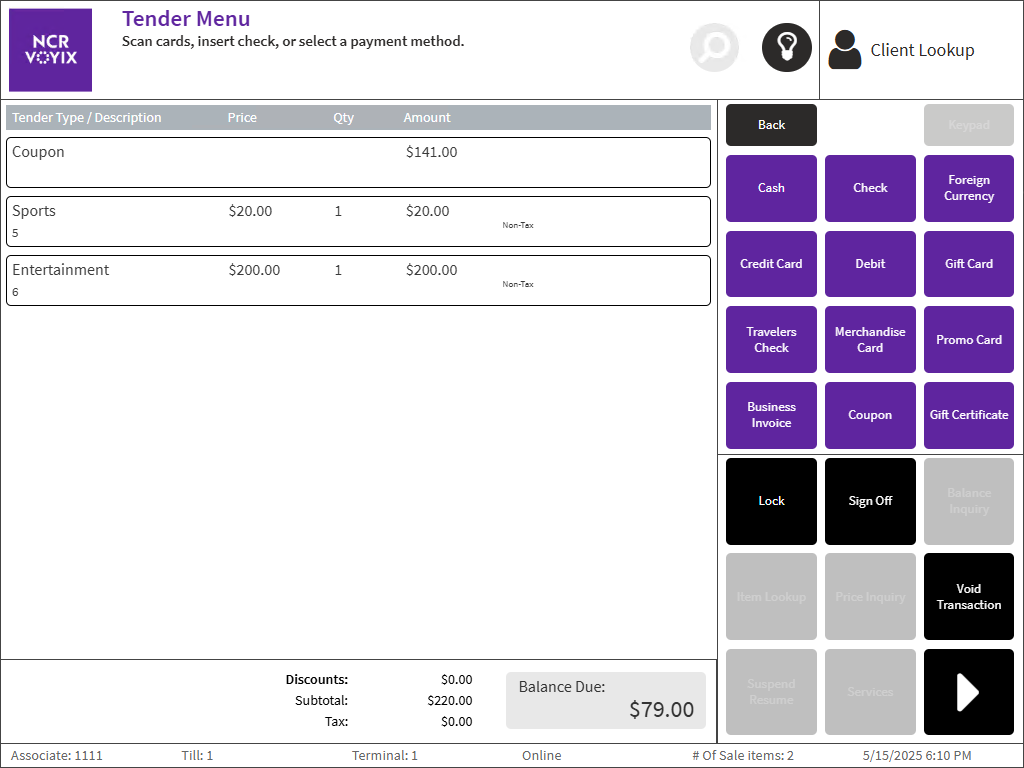
- Select another tender type, and enter a payment amount. The POS application displays the Receipt Preference screen.
- Select a receipt. The POS application displays the Change Due screen and prints the receipt.
- Close the cash drawer.
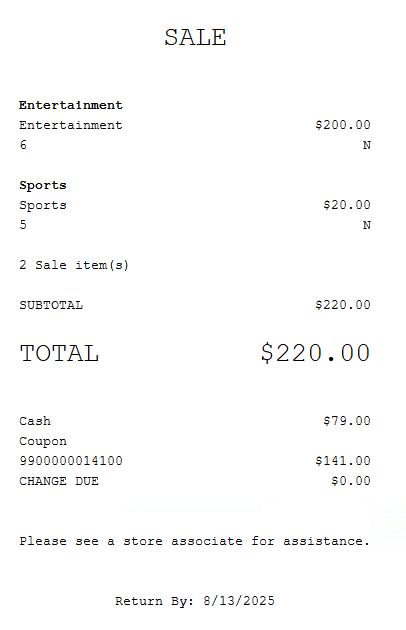
Sample receipt
The following receipt displays a sale with a coupon applied after tendering.