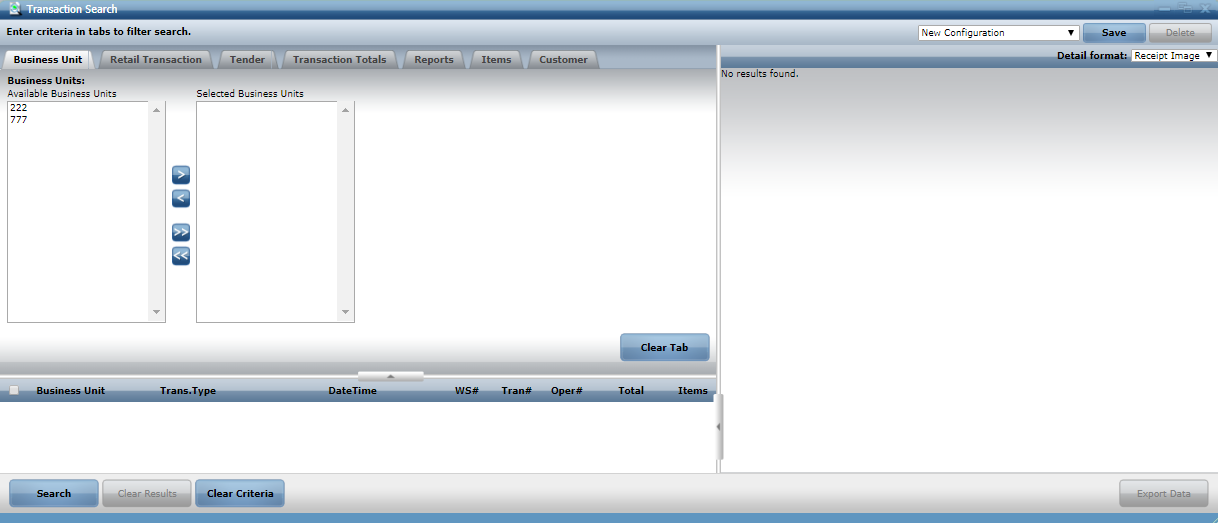
Accessing the Enterprise Transaction Search Application
The Advanced Store ETS application is accessible in the Advanced Store WebOffice application. Make sure to obtain the correct URL for the Advanced Store ETS application. Only authorized associates, such as managers and store support personnel, can have access to the ETS application.
Note
The ETS URL format is http://<server name or IP address>:8080.
To access the ETS application in the AS WebOffice application, follow these steps:
- Log on to WebOffice. By default, the application displays the WebOffice Dashboard of the ETS application.Note
By default, no widgets are displayed on the ETS Dashboard. ETS dashboard widgets can be customized. To customize the ETS dashboard widgets, consult with an NCR Voyix representative.
- On the WebOffice main tabs, select EOD / Audit Tools. The System Task pane displays the associated tasks.
- On the System Task pane, select Audit Tools. The System Task pane displays an expanded task list.
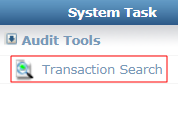
- Select Transaction Search. The application displays the Transaction Search window.