Accessing the Transaction Search feature
To access the Transaction Search feature, follow these steps:
- On the Transaction Types screen, select Back Office. The application displays the Back Office screen.
- Select Transaction Search. The application displays the Transaction Search Menu screen.
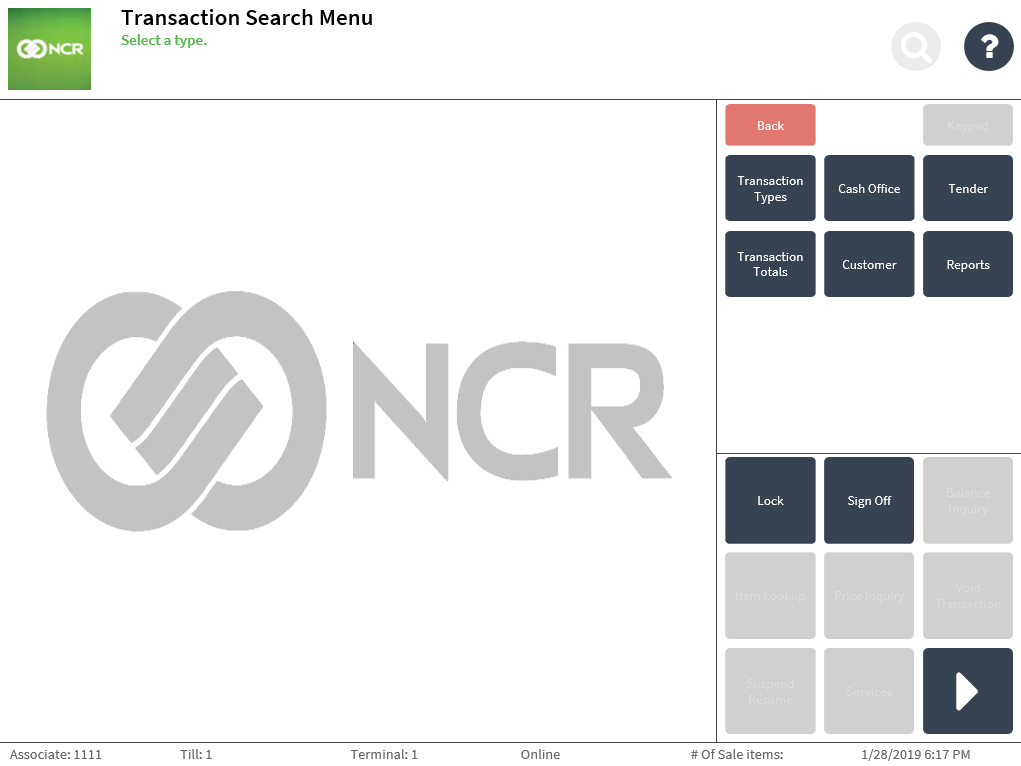
The next sections describe the steps in using the Transaction Search feature for different search categories.