Refreshing Data Files
Use the Refresh Data Files option to reload a full copy of the data files from the enterprise to the POS terminal. This function ensures that the following data files in the POS terminal are updated:
- Tax files
- Encryption files
- Department data
- User roles
Note
Refreshing the data files does not reset any other data on the POS. It also does not change the terminal totals, store number, terminal number, and terminal modes of the POS terminal.
To refresh data files, follow these steps:
- On the Support Functions screen, select Refresh Data Files. The application displays a message with the current POS software version information.

- Select OK. The application displays the Refresh Data Files screen.
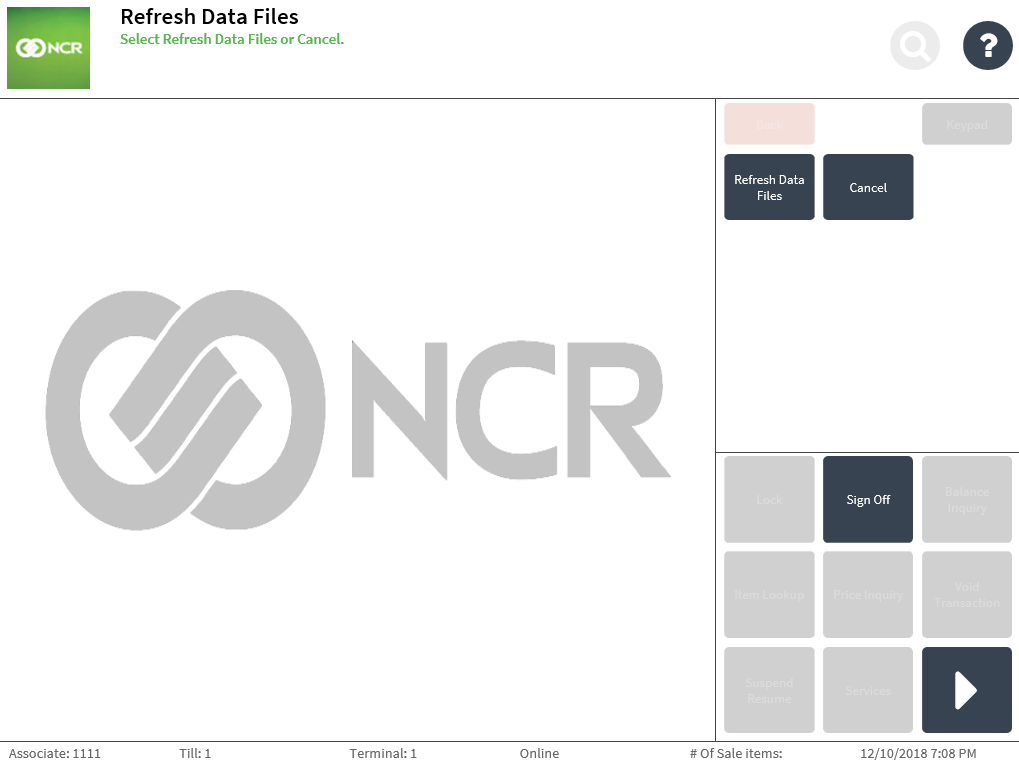
- Select Refresh Data Files. The application refreshes the data files and displays the Support Functions screen.