Installing the Ingenico Lane 7000 PIN Pad
To install the PIN Pad device, follow these steps:
Note
The Ingenico Lane 7000 PIN Pad device is not included in the 7372-K353 PIN Pad Mount - Lane 7000 (Tabletop) Kit. For more information, contact an NCR Customer Service Representative.
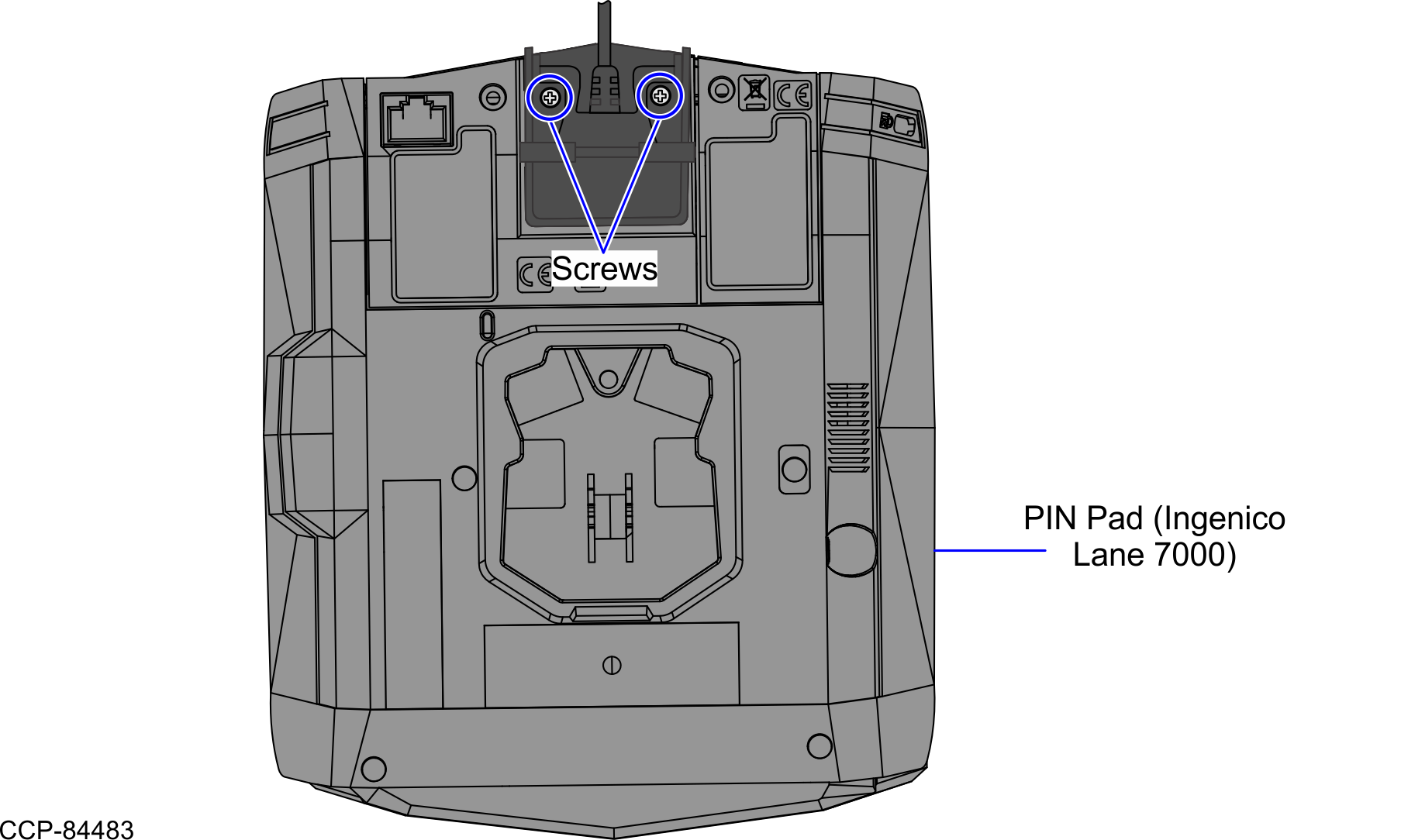
- Connect the cable at the back of the PIN Pad device, as shown in the image below.

- Secure the cable using two (2) screws.
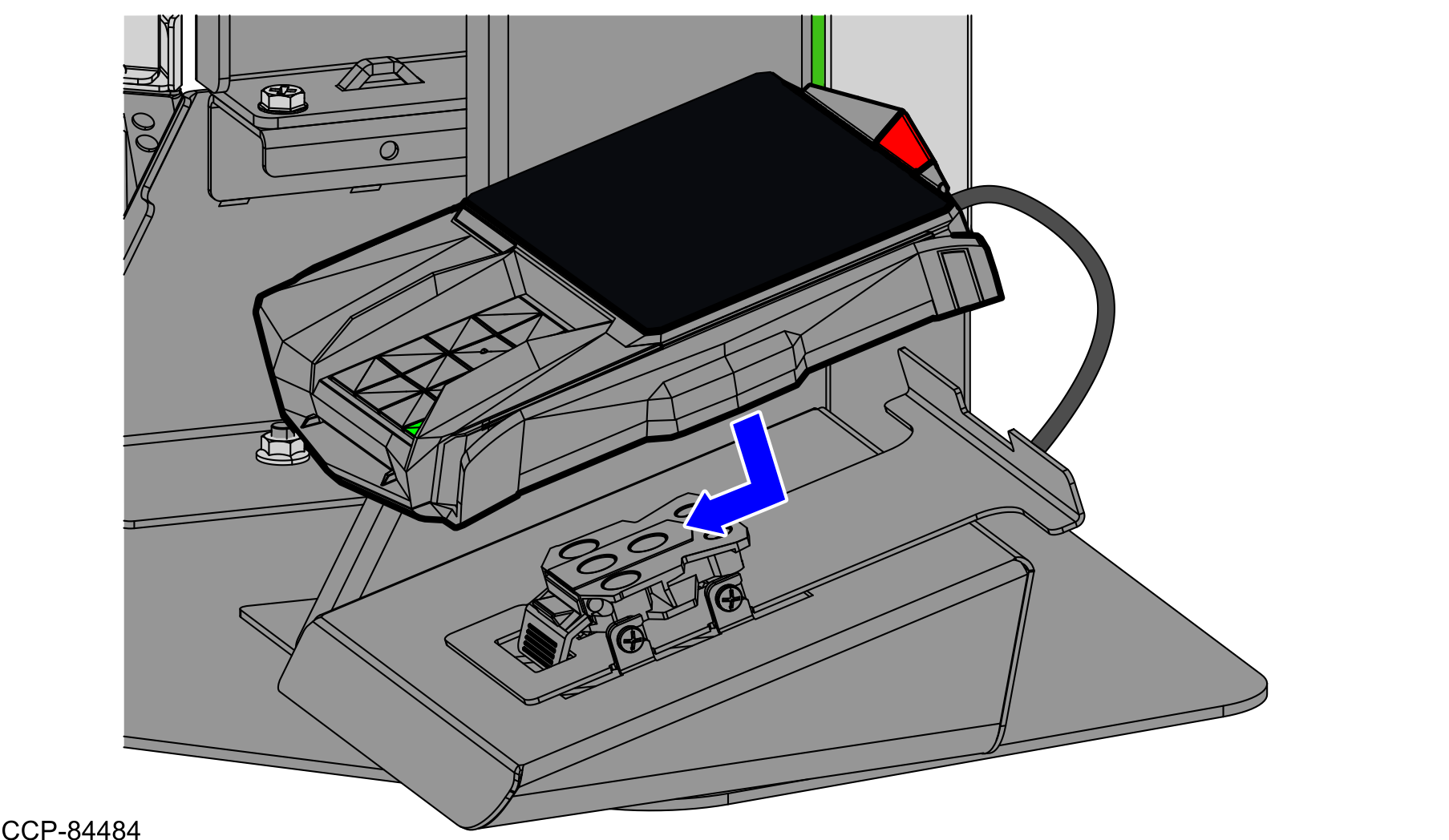
- Attach the PIN Pad device to the Front Mount Multiclip, as shown in the image below.Note
A clicking sound indicates that the PIN Pad device is properly installed on the Front Mount Multiclip.