Installing the NCR Terminal Display
To install the NCR Terminal Display, follow these steps:
- Install the mounting bracket on the back of the Terminal Display, if necessary. For more information, refer to Installing Display Mounting Bracket.
- Connect cables to designated ports on the Display.
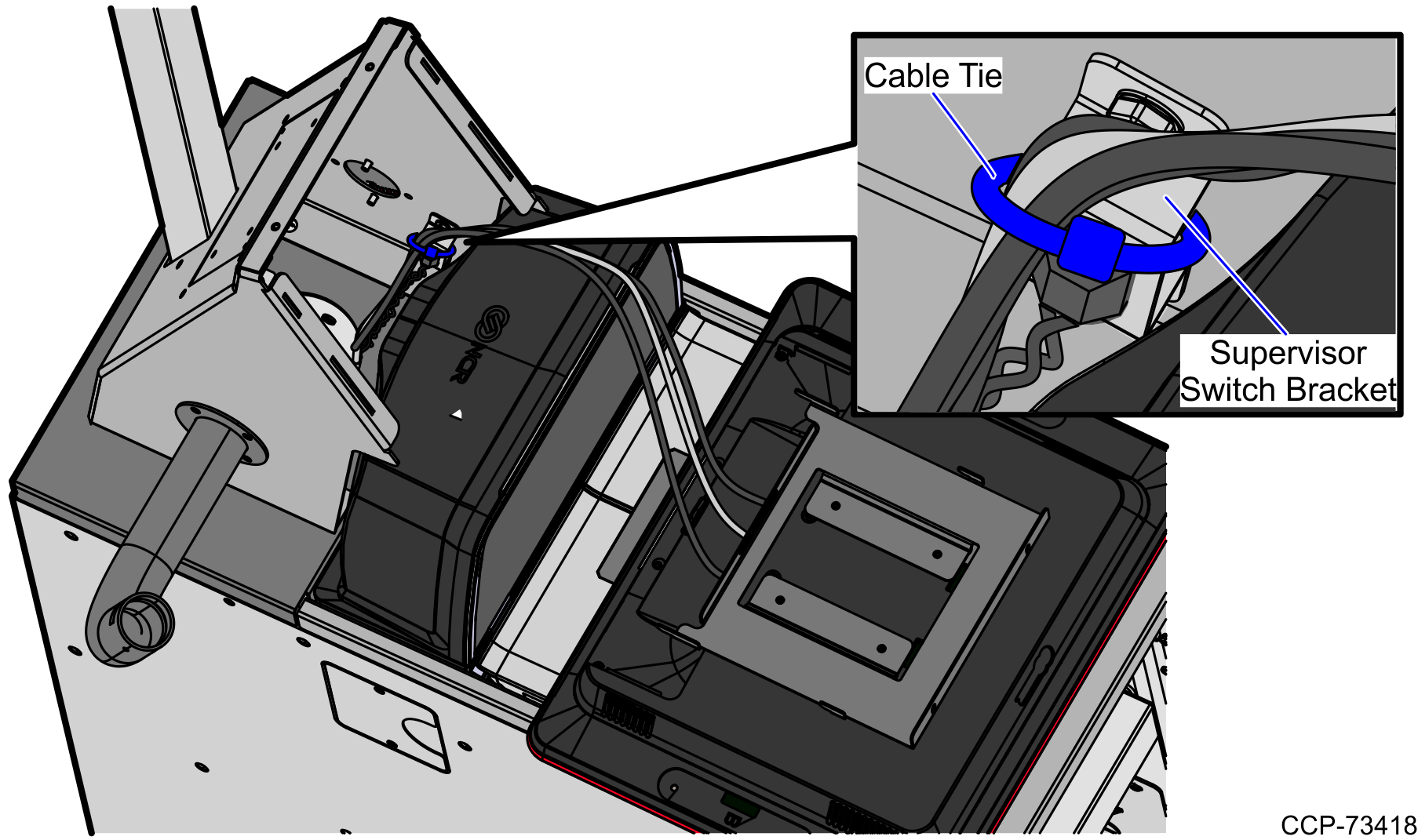
- Using cable ties, secure the cables on the Supervisor Switch bracket and then route the cables down into the back of the unit through the hole in the base mount.Note
The Supervisor Button cable is also routed with the Display cables.
 Note
NoteFor more information about routing cables, refer to SCO R6 Lite (Narrow Core) Routing Instructions (497-0520486).
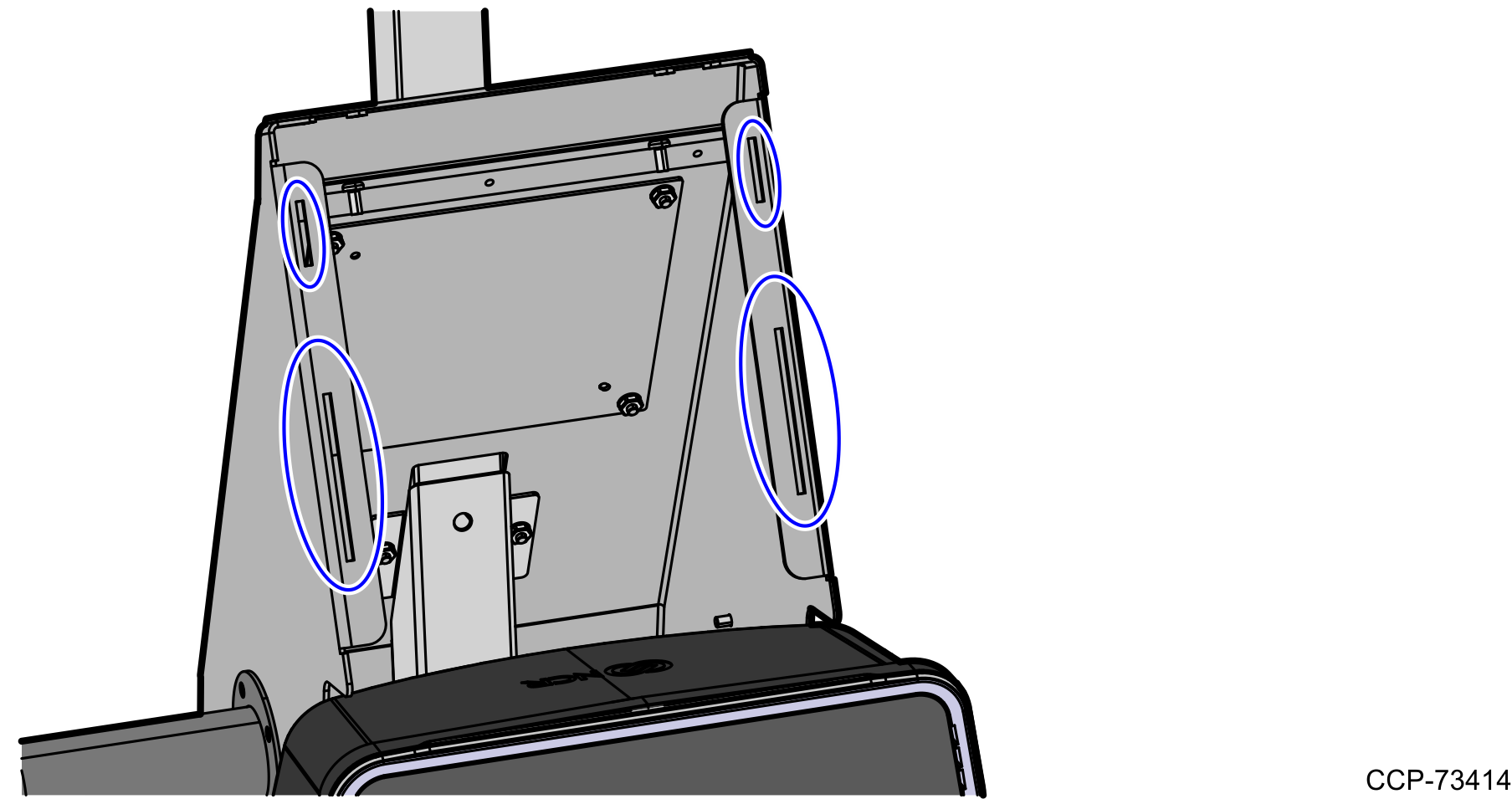
- Align hooks in mounting bracket to the holes in the Tower Frame and slide down the Display to lock in place.
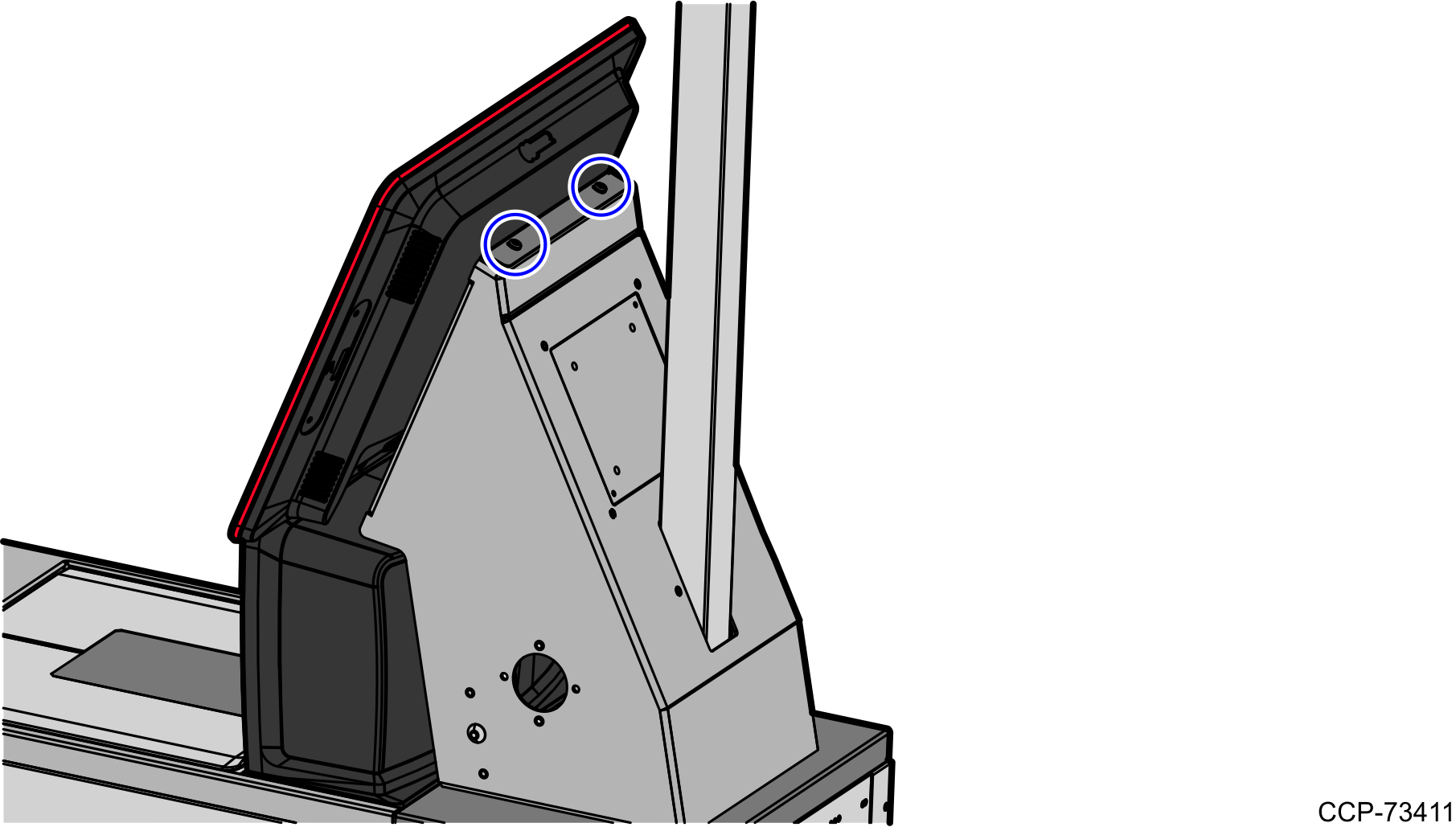
- Secure the Display with the Display Mounting Bracket to the Tower Frame using two (2) screws.